
Transfer SOL
Use the Transfer flow to send SOL from one wallet to another.
Transfers are self-directed.
If you enter the wrong address, choose the wrong source wallet, or send the wrong amount, the funds can be permanently lost.
Danger
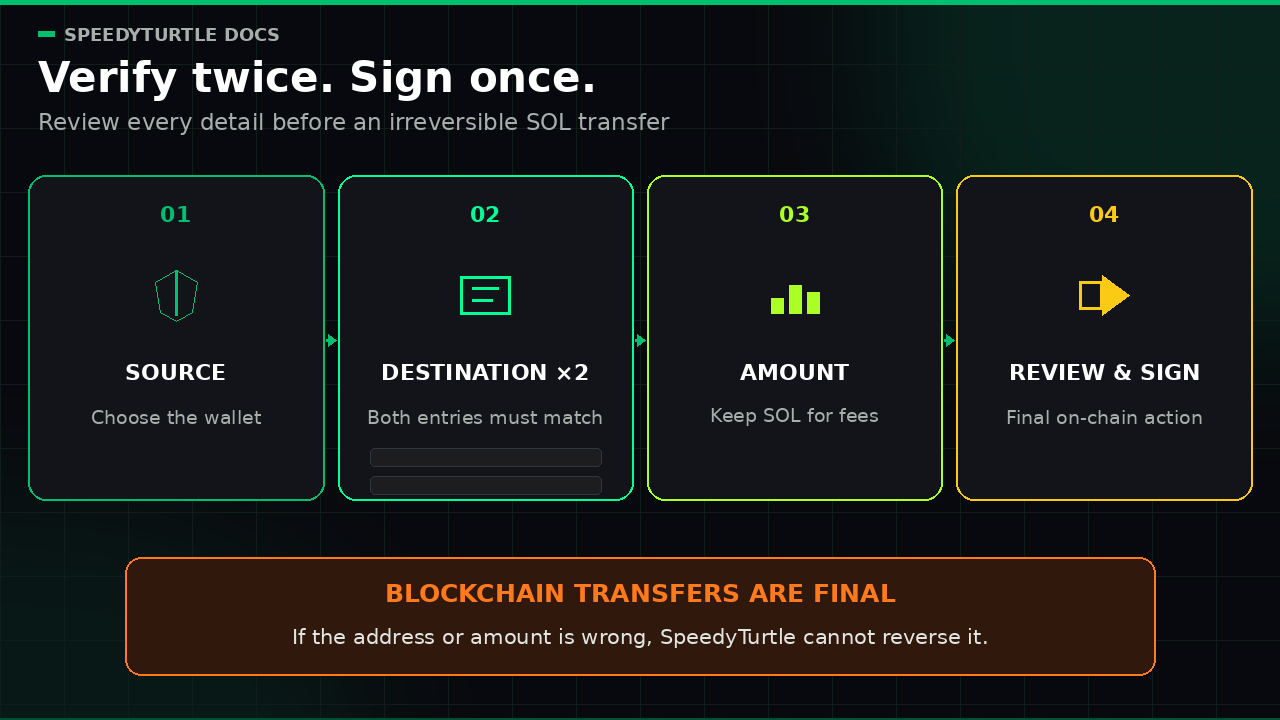
Only sign a transfer if you have verified the full destination address, the source wallet, and the amount.
Blockchain transfers are final. SpeedyTurtle cannot reverse, cancel, or recover a transfer sent to the wrong address.
What this flow supports
The Wallet Screen currently supports transfers of SOL.
It does not support sending other assets through this flow.
Info
If the wallet is busy trading: a wallet with running strategies or an active Low Latency session can be locked for transfers. If a transfer is blocked, pause every strategy on that wallet and turn off Low Latency, then try the transfer again.
Steps
- Open the
Walletsscreen. - Find the wallet to send from.
- Tap
Transfer. - Enter the destination wallet address.
- Re-enter the destination wallet address to confirm it.
- If the address appears to be brand new, review the warning carefully and continue only if you are fully sure.
- Enter the amount of
SOLto send. - Review the transfer details.
- Tap
Sign Transferto continue.
Why the address must be entered twice
You are asked to enter the destination wallet twice to reduce the risk of typos and valid-looking but incorrect addresses.
This is a required safety step.
Do not rush through it.
If the two entries do not match exactly, stop and check the original source again.
Brand-new address warning
If the destination wallet has not been seen on-chain before, you may receive an additional warning.
This can be legitimate. It can also be a sign of a mistyped address. Continue only if you are certain the address is correct and intentionally new.
Warning
Treat a brand-new address as high risk until you confirm it from the original source.
If you expected to send to an existing wallet, do not continue until you understand why the address appears new.
Before you sign
Always verify all of the following:
- The destination wallet address matches the intended recipient exactly
- The first and last characters match what you expect
- You are sending from the correct source wallet
- The amount of
SOLis correct - You will still have enough
SOLleft for future network fees if needed
If this is the first transfer to an address, send a small test amount first.
Do not type the address manually unless you have no other option.
Copy it carefully from the intended trusted source, then review it again before signing.
Important risks
- A valid-looking wallet address can still be the wrong address.
- A mistyped address may still pass basic format checks.
- Funds sent to the wrong address may be permanently unrecoverable.
- Signing from the wrong wallet sends funds from that wallet immediately.
- Sending the wrong amount cannot be undone after confirmation.
Extra security check
Some transfers may require you to sign in again before the transfer can be completed.
After a successful transfer
After the transfer is completed, you will receive a transaction reference and a View on chain link.
If you decide not to continue, you can cancel the transfer flow before signing.
Documentation maintained by SpeedyTurtle Labs.