
Wallet Intelligence
Wallet Intelligence is a Coming Soon surface in Strategy Hub V1.
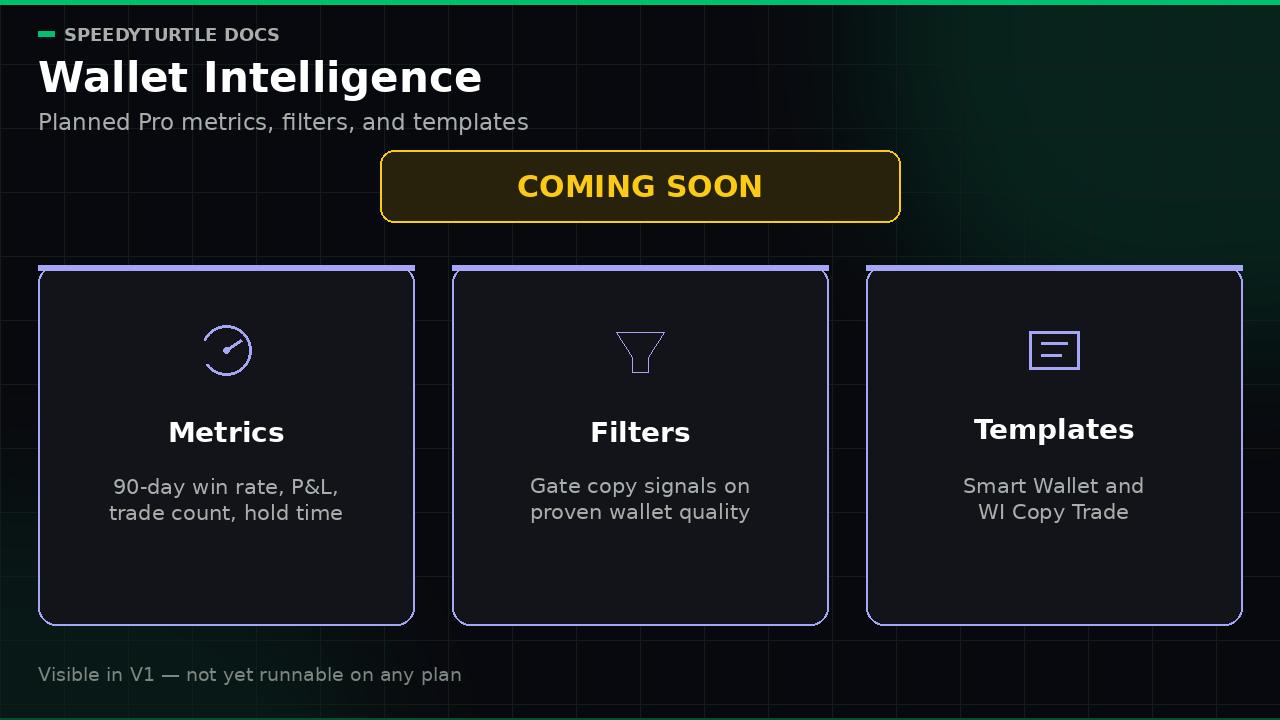
The Wallet Intelligence screen shows a Coming Soon placeholder. It does not load wallet metrics, send a wallet-profiles request, or expose usable search or ranking controls. Direct routes and API calls cannot bypass that release fence.
What is planned
When Wallet Intelligence ships, it is intended as a Pro capability that turns a tracked wallet's on-chain record into filters and templates you can use for copy trading.
Planned metrics include:
| Metric | What it will tell you |
|---|---|
| Win rate | The share of the wallet's trades that were profitable |
| 90-day realized profit | How much the wallet banked (in SOL) over the last 90 days |
| Trade count | How active the wallet has been — small samples mean less |
| Median hold time | How long the wallet typically holds before selling |
| Fastest sell after buy | How quickly it has flipped out of a position |
Info
Planned scope. These metrics are intended to come from Pump.fun and PumpSwap activity over a rolling 90-day window, with venue breakdowns where available. Composite scores such as copyability and copy-farming risk remain reserved until their methodology is calibrated and published.
Planned product surfaces
When released, Wallet Intelligence is expected to appear in three places:
- Wallet Intelligence screen — a browsable view of wallets your strategies track, with performance metrics.
- Builder filters — Pro
IF-stage wallet-intelligence conditions such as minimum win rate, 90-day realized profit, trade count, and median hold time. - Templates — the Smart Wallet Strategy and Wallet Intelligence Copy Trade gallery entries, which are already visible as Coming Soon and cannot be configured or activated in V1.
Until then, those filters and templates remain visible with Coming Soon labels, stay disabled, and cannot activate or resume. A saved definition that still contains a Wallet Intelligence filter fails closed.
Availability in V1
| Surface | V1 status |
|---|---|
| Wallet Intelligence screen | Coming Soon placeholder; no data load |
| Wallet Intelligence filters | Visible Coming Soon; not addable or launchable |
| Smart Wallet Strategy template | Visible Coming Soon; non-interactive |
| Wallet Intelligence Copy Trade template | Visible Coming Soon; non-interactive |
See Plans and Pricing for the planned Pro entitlement once the feature is released.
Related pages
- Strategies & Templates — the Coming Soon Wallet Intelligence templates
- Strategy Builder — Coming Soon filter policy
- Strategy Hub Overview — current Hub screens
Documentation maintained by SpeedyTurtle Labs.